Table of Contents
- Best Indoor Golf Simulators 2026: What Actually Matters Before You Buy
- Quick Comparison: Launch Monitor vs. Full Simulator Package
- What Golf Simulator Cost Really Includes in 2026
- Golf Simulator Room Size and Ceiling Height Requirements
- Indoor Golf Launch Monitors: Radar vs. Camera Tracking
- Golf Simulator Projector and Impact Screen Setup
- Best Indoor Golf Simulators 2026: Picks by Golfer Type and Budget
- Conclusion: Matching a Simulator to Your Space, Budget, and Game
- Frequently Asked Questions
Last Updated: October 7, 2026
Best Indoor Golf Simulators 2026: What Actually Matters Before You Buy
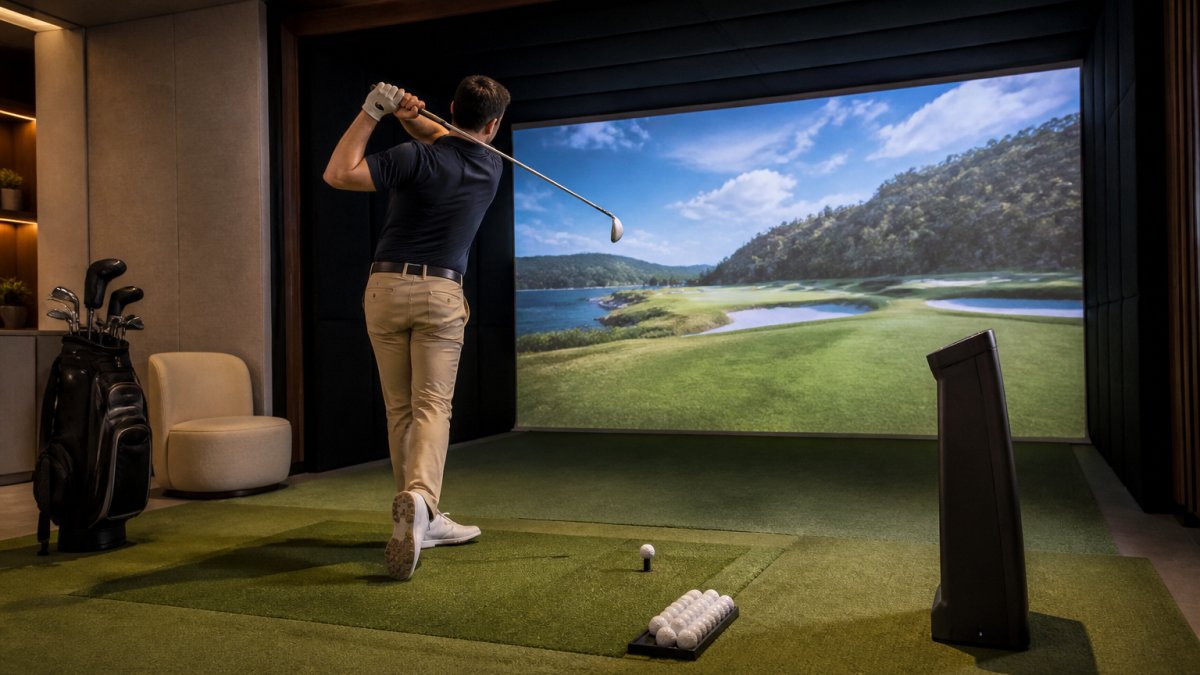
Shopping for the best indoor golf simulators 2026 has to offer usually starts with a simple question: which unit do I buy? That is the wrong first question. At Edge Golf, we have watched hundreds of players walk into our Edgewater facility expecting to compare boxes and walk out understanding something more useful instead: a simulator is a system, not a product. The launch monitor, the software, the enclosure, the mat, and the room around them all have to work together.
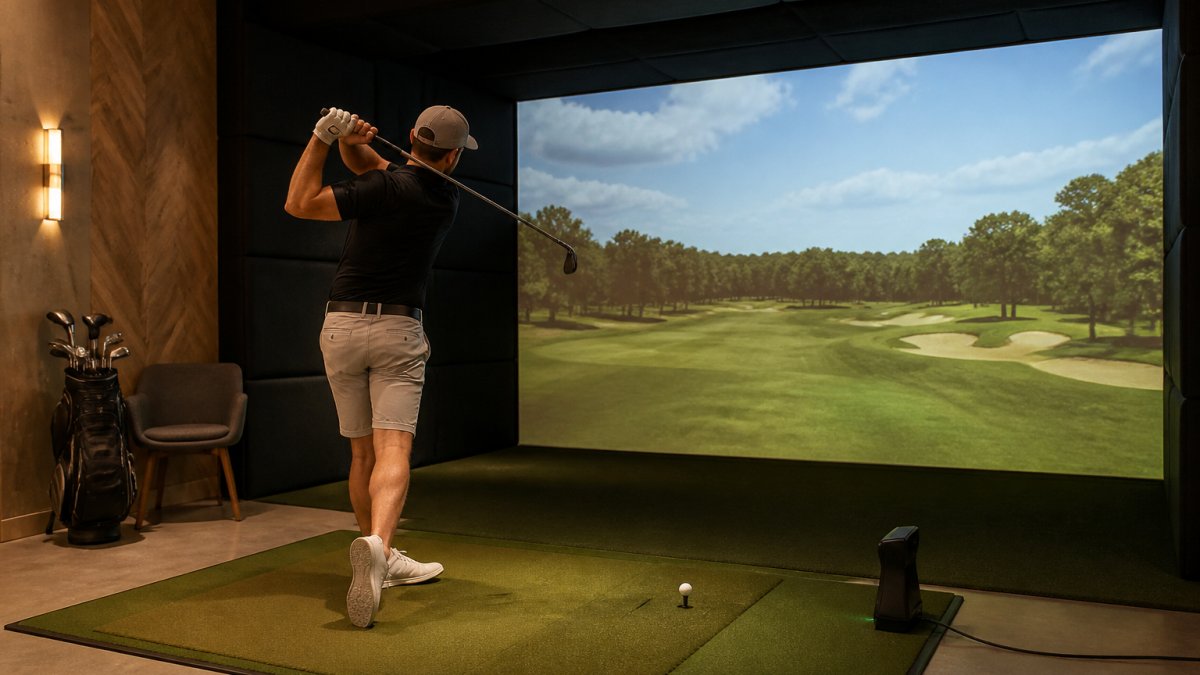
Below, we break down what actually decides whether a home setup succeeds: tracking technology, room dimensions, software, and true cost.
Quick Comparison: Launch Monitor vs. Full Simulator Package
These two purchases look similar on a product page and behave nothing alike. A launch monitor is a measurement device that captures ball and club data. A full simulator package is a complete system that adds an enclosure, screen, projector, mat, and software so you can see the ball fly. One gives you numbers. The other gives you a place to play.
| Setup Type | What You Get | Best For | Main Trade-Off |
|---|---|---|---|
| Standalone launch monitor | Shot data, practice drills, some app-based course play | Data-focused practice, portable use | You supply the screen, mat, and space |
| Full simulator package | Monitor, enclosure, projector, screen, mat, software | Year-round course play at home | Higher upfront cost, fixed install |
| Commercial bay membership | Everything maintained by the operator | Players without space or appetite for setup | Recurring fee, shared booking |
For most players in dense metro areas, the honest answer is that a membership removes the two hardest problems: space and maintenance.
What Golf Simulator Cost Really Includes in 2026
Golf simulator cost is not one number. It is four: the launch monitor, the software subscription, the enclosure and screen, and the room itself.
Here is the component-by-component breakdown we use when a player asks us to sanity-check a home build.
| Component | Typical Planning Range | Notes |
|---|---|---|
| Launch monitor | Entry-level units sit in the low hundreds; mid-tier camera and radar units run into the low thousands; tour-grade units climb well past that | The single biggest swing in total cost |
| Software subscription | Often billed monthly or annually; some platforms bundle a course library, others charge per course pack | The recurring line most buyers forget |
| Enclosure, screen, and frame | A few hundred for a basic net-and-frame setup; into the low thousands for a tensioned impact screen and enclosure | Screen quality drives image and safety |
| Projector | Short-throw models cost more than standard-throw; brightness and resolution drive price | Throw distance must match room depth |
| Hitting mat | A few hundred for a decent mat; premium mats cost more | Cheap mats cause joint pain and false feedback |
| Computer or console | A capable PC or a supported console, depending on the platform | Some monitors run standalone; others need a host device |
| Room prep | Electrical, lighting control, flooring, and any structural work | The line nobody budgets for |
Total cost of ownership over three years. Add the monitor, the accessories, the host device, and three years of software fees. A cheaper monitor with a mandatory subscription can end up costing more over three years than a pricier unit with bundled courses.
Replacement and wear costs. Impact screens wear out. Hitting mats compress and lose their feel. Projector lamps or units eventually need service. Budget for at least one screen or mat replacement over a three-year horizon if you practice regularly.
The hidden costs of a home build. Electrical work to power a projector and monitor, lighting control so the image stays readable, and the value of your own time to install and calibrate everything.
Consumer protection guidance on subscription terms and recurring billing
Golf Simulator Room Size and Ceiling Height Requirements
Golf simulator room size is the constraint that eliminates the most options, and it is the one buyers check last. This is the section most buying guides skip, so we are going to give you measurable minimums and two worked layouts you can hold a tape measure against.
Measurable minimums to plan around.
| Dimension | Absolute Minimum | Comfortable | Why It Matters |
|---|---|---|---|
| Ceiling height | 9 ft | 10 ft or more | Full driver swing clearance for taller players and fast swings |
| Width | 10 ft | 12 ft or more | Room for both right- and left-handed golfers to swing freely |
| Depth (tee to screen) | 10 ft | 12 ft or more | Sets your minimum projection distance and radar runway |
| Hitting area to side wall | 3 ft | 4 ft or more | Prevents club-to-wall contact on the follow-through |
Left- and right-handed players. A bay sized for one handedness is not automatically safe for the other.
Worked layout: the two-car garage. A typical two-car garage gives you roughly 20 feet of width and 20 feet of depth, with a ceiling that is often lower than the rest of the house. The ceiling is usually the binding constraint, not the floor.
Worked layout: the spare bedroom or basement corner. A spare room often has the ceiling height but not the width. If the room is under 10 feet wide, a centered hitting position with a screen on the short wall is usually the only workable arrangement.
Setup position matters as much as raw dimensions. A monitor placed too close to the ball, or offset from the target line, will misread launch angle and spin.
Measure three things before anything else:
- Ceiling height at the highest point of your backswing
- Width from the hitting area to the side wall, for both right- and left-handed golfers
- Depth from the tee to the screen, which sets your minimum projection distance
Indoor Golf Launch Monitors: Radar vs. Camera Tracking
Indoor golf launch monitors use one of two tracking methods, and the difference decides how well each works in a small room. Radar-based tracking measures the ball in flight using Doppler radar. Camera-based tracking, also called photometric, captures high-speed images of the ball and club at impact. Both produce ball speed, club speed, launch angle, spin rate, and carry distance. They get there differently.
Radar units need space in front of the ball to track flight, which can be a problem in a short indoor bay. Camera systems read impact directly, so they often perform better in tight rooms, but they need correct positioning and consistent lighting.
For accuracy, the practical question is not which technology is better in theory but which is calibrated correctly for your bay. A well-positioned camera unit in a properly measured room will outperform a radar unit crammed into a space it cannot see through.
Golf Simulator Projector and Impact Screen Setup
The golf simulator projector and impact screen turn data into a course you can actually play, and they are where cheap builds fall apart. A projector's throw distance has to match the depth of your room: short-throw models sit close to the screen, standard models need several feet of clearance behind the hitting area.
The screen matters more than most buyers expect. A proper impact screen absorbs ball speed without bouncing shots back at the player, and it needs to be tensioned correctly or the image will ripple. A golf net is a cheaper alternative for pure practice, but it will not give you course play.
Two practical notes from running six bays ourselves:
- Ambient light control matters more than projector brightness in a home room
- Screen tension and mat placement affect how true the lie feels, which changes how you swing
Best Indoor Golf Simulators 2026: Picks by Golfer Type and Budget
The right pick depends less on budget tier than on how you will use it. We group buyers into four types, because the same system that suits a data-driven low-handicapper is wrong for a beginner who just wants to play a course after work.
- The beginner or casual player: prioritize ease of use and a welcoming environment over raw data. A commercial bay with coaching available beats a home build you never finish.
- The serious improver: prioritize measurement accuracy, club data, and practice mode. You want spin rate and launch angle you can trust, plus a coach who can read them with you.
- The space-limited urban player: prioritize a facility over a home setup. If your ceiling is under 9 feet, no monitor choice fixes that.
- The corporate or group buyer: prioritize private rooms, multiplayer support, and booking flexibility over individual shot data.
At Edge Golf, our six Golfzon simulator bays, four private rooms, and PuttView putting studio exist precisely because many players in the metro area fall into the third and fourth groups. PGA-certified instructors handle the club fitting and coaching side, and VIP members get priority booking plus 1% back on every booking.
Conclusion: Matching a Simulator to Your Space, Budget, and Game
The hard part of buying the best indoor golf simulators 2026 has to offer is not picking a brand. It is admitting which constraint actually applies to you: space, budget, or time. Measure the room, add up three years of software fees, and be honest about whether you will maintain a home build.
If the answer is no, that is not a failure. It is a reason to practice somewhere built for it. Edge Golf offers six Golfzon bays with automatic hands-free ball feed, true-to-course lies across 300+ famous courses, a PuttView putting studio, and PGA-certified coaching and club fitting. Get started with Edge Golf and turn a stalled simulator purchase into a season of real practice.
Frequently Asked Questions
How much does a complete indoor golf simulator setup cost?
Total golf simulator cost depends on whether you buy a standalone launch monitor or a full package. A basic launch monitor and net setup starts at a few hundred dollars, while a complete system with enclosure, projector, screen, mat, and software runs into the thousands. Professional indoor golf simulators with high-precision tracking and multiple bays cost significantly more. Always confirm current pricing directly with the provider before committing.
How much room do you need for an indoor golf simulator?
For safe indoor use, you need at least 10 feet of ceiling height, 10 to 12 feet of width, and 12 to 15 feet of depth from the hitting area to the screen. Golf simulator room size also depends on your swing speed and whether you use a driver. Faster swings need more clearance. Measure your space carefully before buying, and account for the launch monitor's minimum distance from the ball.
Are indoor golf simulators accurate enough for practice?
Yes, modern indoor golf simulators using camera-based or radar-based tracking capture ball speed, club speed, launch angle, spin rate, and carry distance with high measurement accuracy. For most golfers, the shot data is reliable enough to guide practice and club selection. The key is consistent setup: correct lighting, proper ball placement, and a launch monitor positioned at the manufacturer's recommended distance. Premium facilities with PGA-certified instructors can use this data to drive measurable improvement.
What should you look for when buying a golf simulator?
Focus on four things: tracking technology (camera vs. radar), software compatibility and course selection, room dimensions including ceiling height, and total cost of ownership. A golf simulator projector with adequate lumens and an impact screen rated for your swing speed matter as much as the launch monitor. If you want coaching and club fitting, choose a facility with certified instructors rather than buying hardware alone.